How it works
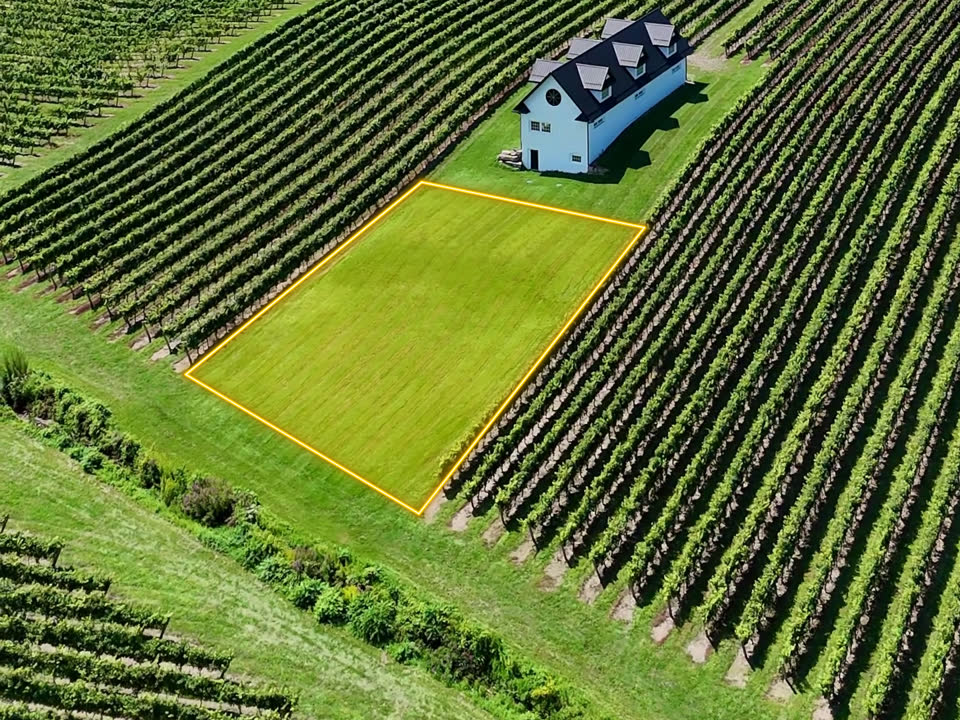
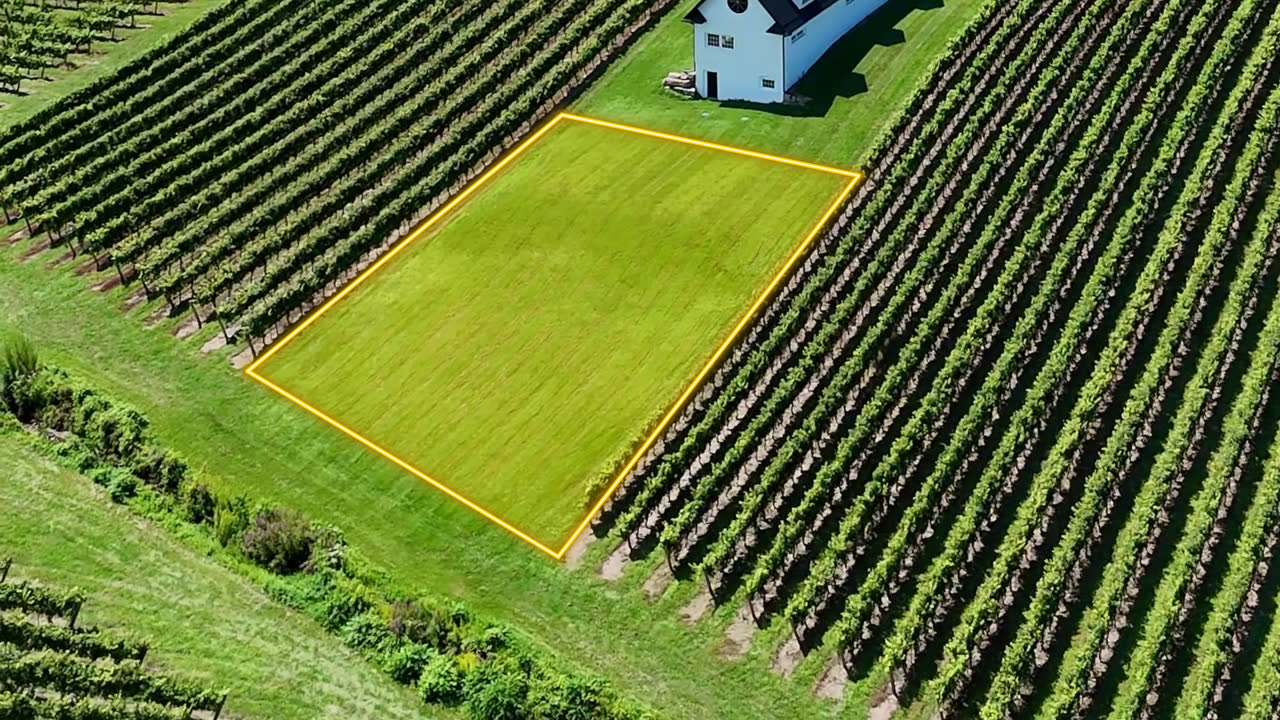
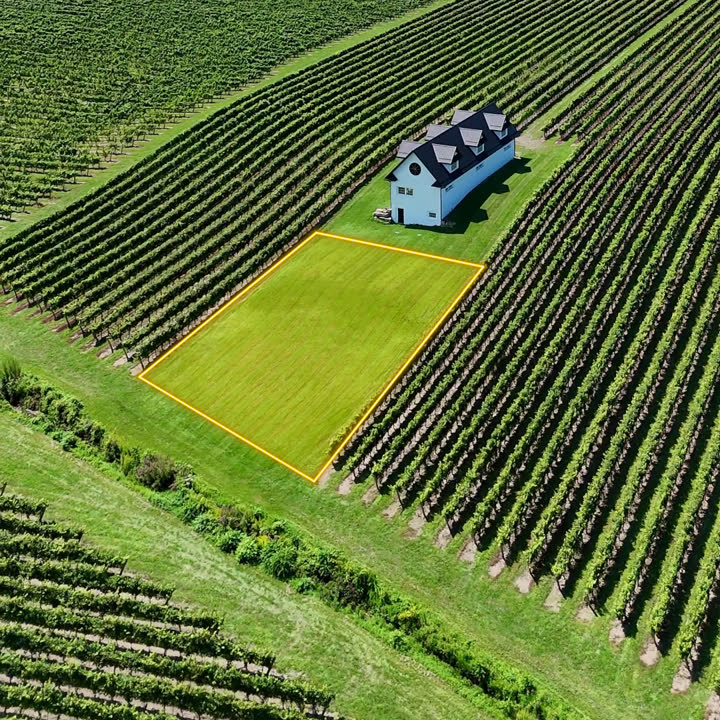
- Mark the area on a photo. Place the corners on the land and pick a color and style.
- Add listing details. Acreage, location and price appear inside the parcel.
- Tap Go to Video. The photo and the boundary come with you.
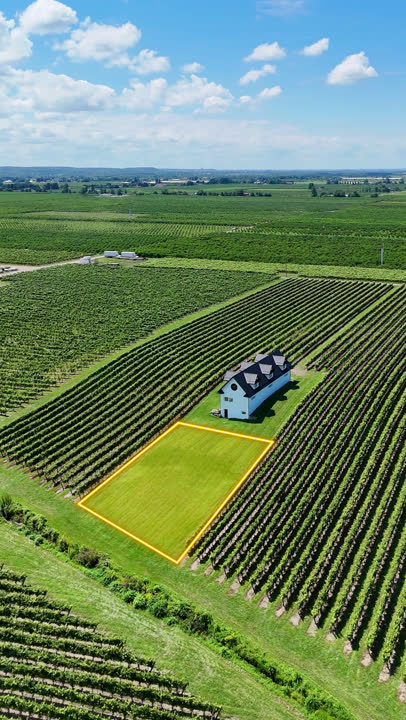
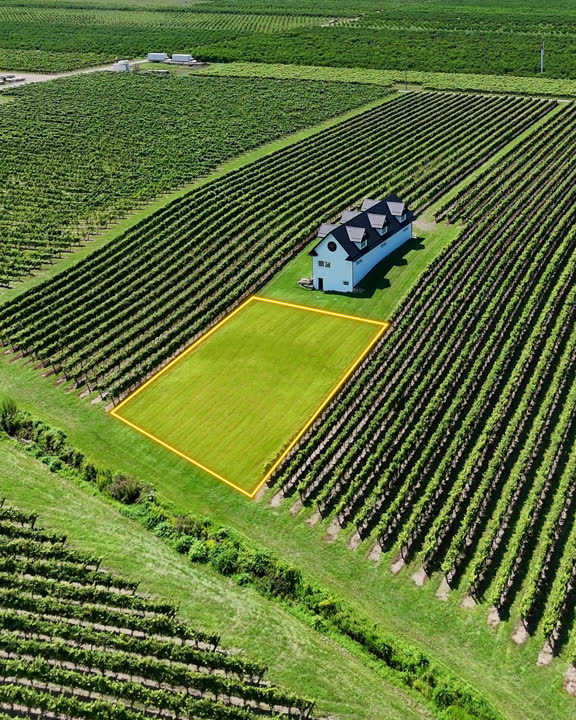
- Choose the format and create. 4:3, 16:9, 9:16, 4:5 or 1:1.
Why it matters
Many listings have one good drone shot and no footage. A moving version of that shot works where a still photo gets skipped, and nobody has to fly again.
Good to know
- Several parcels on the photo? The video includes all of them with their own labels.
- Have more angles? Join up to four in a flyover from drone photos.
- Your closing card with name and phone can be added at the end.