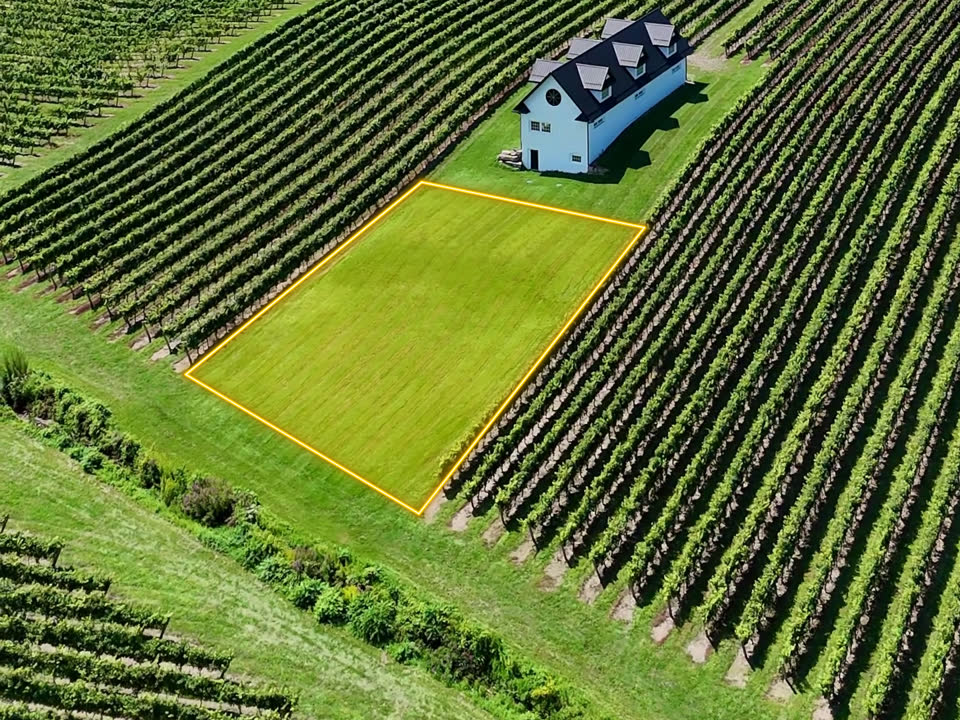
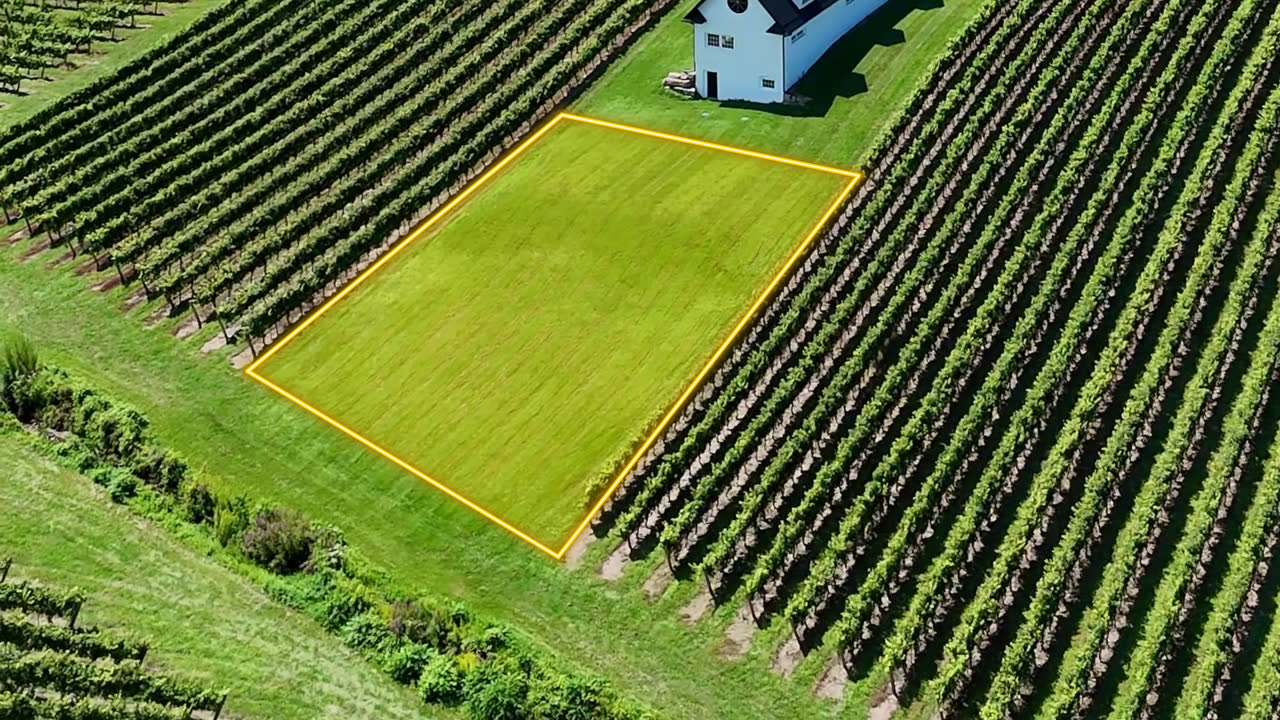
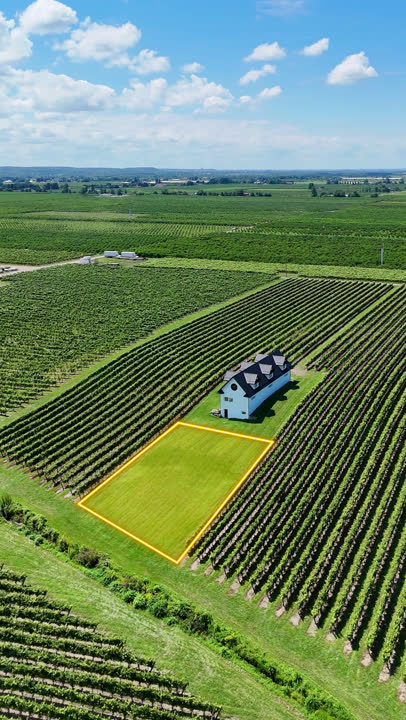
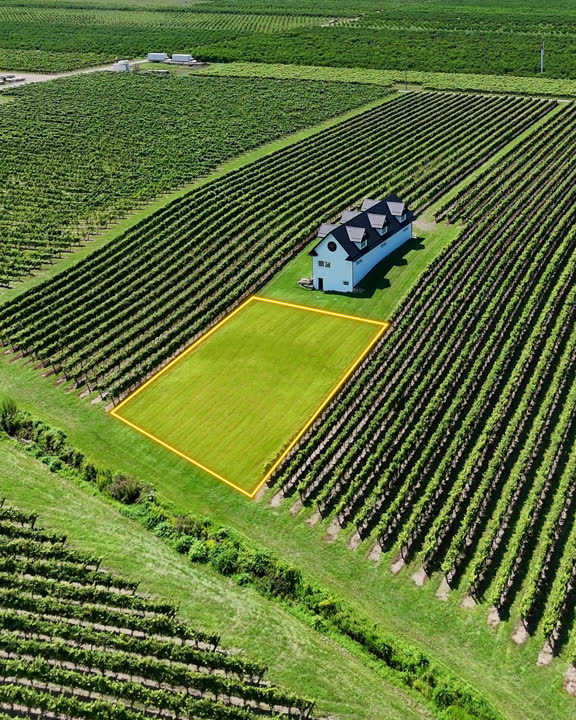
How it works
- Pick 3 to 7 photos. Coming from a project folder? The first five are already selected.
- Write a line for each slide. Price, size, a highlight — each photo gets its own text.
- Choose the format and length. Vertical 9:16 for Reels and Stories, 4:5 and 1:1 for the feed, 16:9 and 4:3 for listing sites and YouTube.
- Preview, then create. Watch it play at real speed before you render, then save and share.
Why it matters
Video gets more attention than a photo gallery, but most agents don’t have time to edit one for every listing. Here the photos you already took become a video in a few minutes.
Good to know
- Each photo moves with a slow zoom and pan, so the video feels alive without looking busy.
- Your contact details appear as a corner banner, a closing card or both — your choice.
- Change a setting and the preview updates, so you never render a video you haven’t seen.